What the customer sees
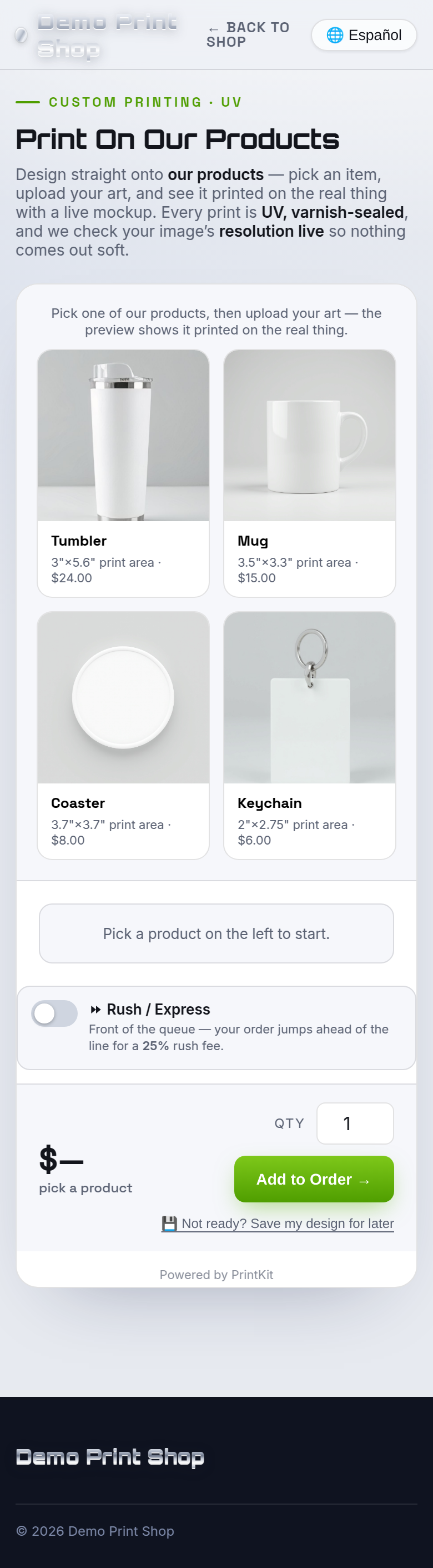
Shoppers pick one of your products — a tumbler, mug, coaster, sign or panel — from your presets, then design straight onto a live mockup of the real item, dropping artwork inside the safe print area you defined. Every print is UV and varnish-sealed, and the builder checks resolution live so nothing comes out soft.
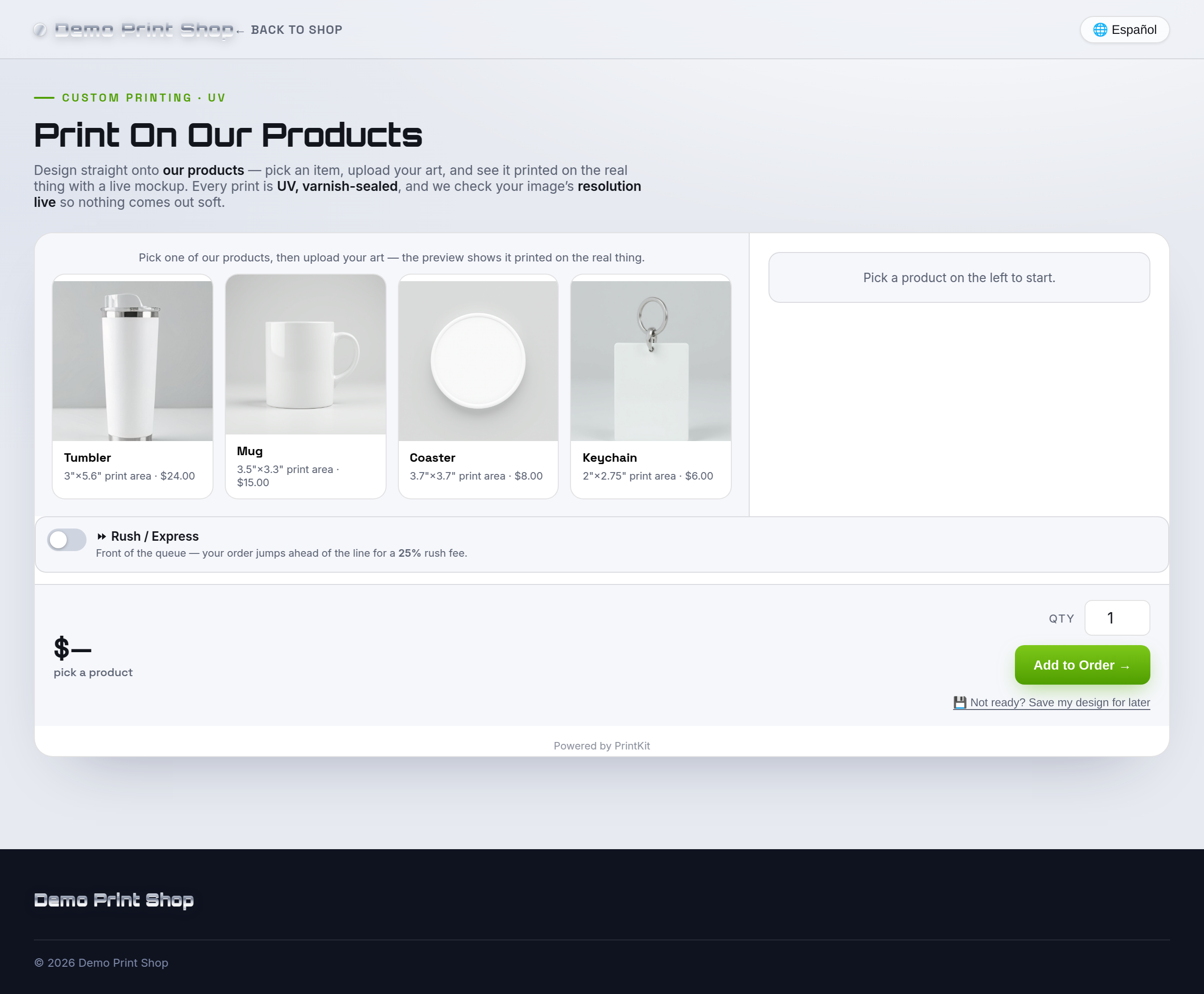
Every PrintKit builder is touch-first, so the same experience works on a phone.
What you configure
You build your own substrate catalog — every item is a template you control. For each substrate:
| Field | What it controls |
|---|---|
| Name | The product name shoppers see (for example “20 oz tumbler”). |
| Brand | Optional — you decide per substrate whether the brand is shown to shoppers. |
| Size | The real dimensions, so the print maps to the object accurately. |
| Photo | A product photo for the live mockup, with a one-click Remove background button next to it in both editions. |
| Print area | The printable safe area on the item. Use Calibrate to drag the box onto your photo so artwork always lands where the flatbed prints. |
| Price | What you charge for that substrate. |
| Minimum order quantity | Blocks checkout below this many units and shows a notice at the top of the builder. Shopify app |
Your products, your rules. There is no fixed catalog to work around — upload photos of the items you actually stock and mark the exact area your flatbed hits.
UV Substrate is billed separately from UV Roll. They are two different builders — run one, the other, or both.
What arrives in the work ticket & print file
- A dimension-accurate print file mapped to the substrate's print area at 300 DPI.
- Work ticket listing the product, size and finish, plus the mockup and the customer's contact details.
This builder is print-only — it produces the artwork file positioned for the object. It does not generate cut contours.
DPI is a warning, never a blocker. Art that is small for the substrate is flagged and the shopper is asked to confirm before adding it, but it never blocks the order.